Start with a PDF
Upload a PDF with selectable text. Password-protected PDFs and files without extractable text cannot be processed. File size and processing limits apply.
SummizeIt extracts text from a PDF and uses AI to turn it into a summary. Read the main points, return to saved summaries, and keep a plain-text copy.
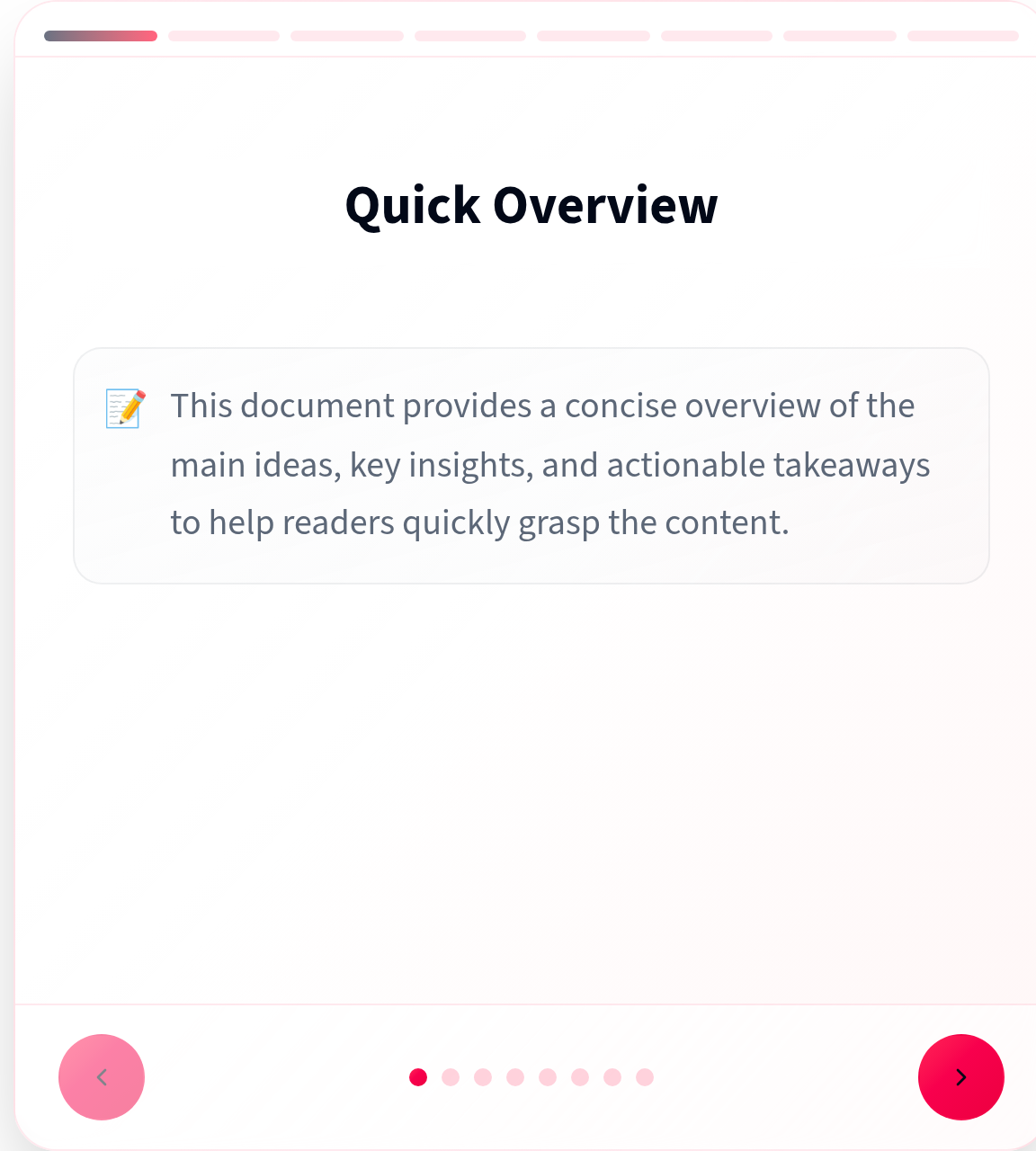
Open SummizeIt (opens in a new tab)The summary reader separates the text into sections you can move between. This capture shows the public sample viewer, using illustrative content already available on the SummizeIt website.
Your saved summaries are available after signing in. The sample shown here is not a result generated from a user’s document.
Upload a PDF with selectable text. Password-protected PDFs and files without extractable text cannot be processed. File size and processing limits apply.
Generate a summary from the document’s extracted text, then move between its sections in the reader. AI can miss context or make mistakes; check important points against the original PDF.
Open your dashboard to revisit saved summaries. Read a summary again or download it as a plain-text (.txt) file to keep alongside your document.
See your plan status, successful generations, work in progress and remaining quota in the application. Summary generation requires an active plan and available quota.
Sign in to use the application. Check current pricing and generation limits on the official pricing section before choosing a plan.